Setting up a Google Performance Max (PMAX) campaign requires far more than simply uploading a few headlines and letting the algorithm take over. Because PMAX automatically generates ad combinations across Search, Display, YouTube, Discover, Gmail, and Maps, a lack of preparation can lead to wasted ad spend, diluted brand equity, and skewed tracking.
Before clicking launch, follow this comprehensive pre-launch checklist to ensure your brand safety, creative assets, tracking architecture, and bidding models are primed for success.
Brand Safety and Placement Controls
Because PMAX serves ads across diverse partner networks, establishing strict brand safety guardrails is crucial.
1. Inventory Types and Content Suitability
In your Google Ads account settings, choose an appropriate inventory tier:
- Expanded Inventory: Maximizes reach but exposes your brand to sensitive content.
- Standard Inventory: Recommended for most businesses; excludes moderate mature content and profanity.
- Limited Inventory: Strictest setting, preventing ads from appearing near potentially controversial topics.
2. Content Label Exclusions
Exclude sensitive content categories at the account level:
- Tragedy and conflict
- Sensitive social issues
- Sensational and shocking content
- Mature gaming and profanity
3. Placement Exclusions
Upload account-level placement exclusion lists to block low-quality mobile apps, spam websites, and irrelevant YouTube channels. Review Google’s Brand Safety documentation for detailed setup guidance.
Creative and Asset Preparation

High-performing PMAX campaigns depend on diverse, high-resolution visual and copy assets. When you provide Google with the full suite of asset dimensions, the system can enter more ad auctions and generate higher Ad Strength scores.
Image Dimensions
- Landscape (1.91:1): 1200 × 628 px (minimum 600 × 314 px)
- Square (1:1): 1200 × 1200 px (minimum 300 × 300 px)
- Portrait (4:5): 960 × 1200 px (minimum 480 × 600 px)
Brand Logos
- Square Logo (1:1): 1200 × 1200 px (minimum 128 × 128 px)
- Landscape Logo (4:1): 1200 × 300 px (minimum 512 × 128 px)
Video Formats
- Horizontal (16:9): 1920 × 1080 px (10–30 seconds)
- Vertical (9:16): 1080 × 1920 px (ideal for YouTube Shorts)
- Square (1:1): 1080 × 1080 px
Important: Always upload your own custom videos. If you omit video assets, Google will automatically stitch together images into low-fidelity auto-generated clips that can undermine brand credibility.
Ad Copy & Text Variations
- Headlines: At least 10 variations (under 30 characters each).
- Long Headlines: Up to 5 variations (up to 90 characters each).
- Descriptions: At least 4 variations (including one under 45 characters and others up to 90 characters).
- Call-to-Action (CTA): Set to automated or manually specify (e.g., “Shop Now”, “Get Quote”).
Conversion Tracking and Measurement Readiness
Without reliable conversion tracking, machine learning models will optimize toward incorrect signals, resulting in poor-quality traffic and inflated CPAs.
Before launching:
- Verify Google Tag Firing: Use Google Tag Assistant to verify that conversion tracking tags trigger accurately across thank-you pages and checkout flows.
- Link GA4 with Google Ads: Ensure primary conversion events in Google Analytics 4 (purchases, qualified lead submissions) are imported directly into Google Ads.
- Pass Transaction Values: For ecommerce accounts, pass dynamic currency and transaction values so Google can utilize Target ROAS and value-based bidding.
- Enhanced Conversions: Enable Enhanced Conversions in Google Ads to improve conversion modeling and mitigate attribution loss from third-party cookie restrictions.
Audience Signals for Accelerated Learning
Audience signals act as initial guidance for Google’s algorithm, pointing the AI toward user profiles most likely to convert.
Recommended audience signal layers:
- Customer Match Lists: Upload hashed first-party customer lists (repeat purchasers, high-AOV buyers).
- Website Remarketing: Visitors who initiated checkout, viewed high-intent product categories, or spent 2+ minutes on site.
- Custom Search Intent: Lists of 15–20 top-performing commercial search queries.
Budget and Bidding Strategy Alignment
PMAX campaigns require a learning phase of approximately 2–3 weeks. To avoid resetting the machine learning algorithm prematurely:
- Budget Sizing: Allocate a daily budget equal to at least 5–10× your anticipated target CPA to allow for adequate statistical data gathering.
- Initial Bidding: For new accounts or unproven products, start with Maximize Conversions or Maximize Conversion Value without a target cap. Once the campaign records 30+ conversions, transition to Target CPA or Target ROAS.
Final Pre-Launch Checklist
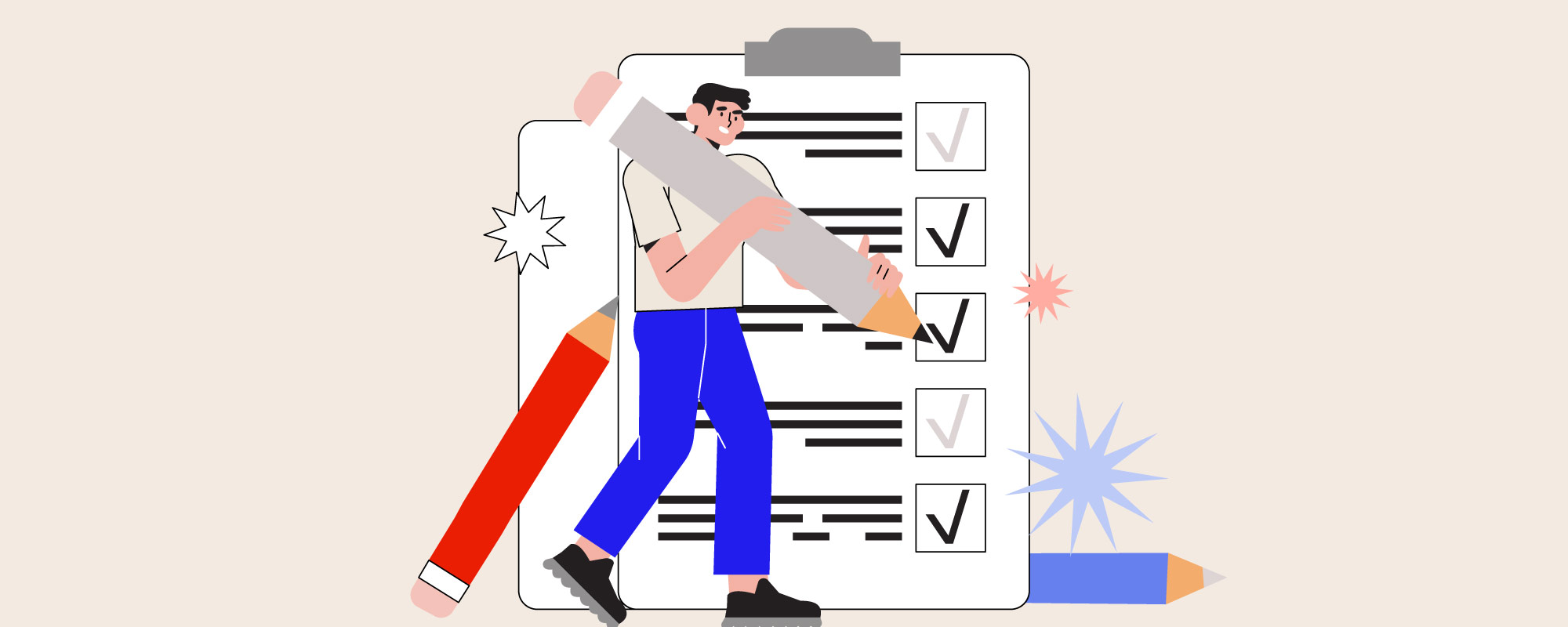
Review this final checklist before activating your campaign:
- Brand Safety: Content suitability filters and placement exclusions applied.
- Creative Assets: All image ratios, custom videos, logos, and copy variations uploaded.
- Tracking: Conversion tracking and Enhanced Conversions tested with Tag Assistant.
- Audience Signals: First-party customer lists and custom intent segments attached.
- Budget: Sufficient runway allocated for the 2–3 week algorithmic learning window.
By following this disciplined pre-launch workflow, you set your PMAX campaigns up for efficient scaling, superior lead and sales quality, and long-term return on ad spend.
Ready to take your paid media to the next level? Explore our paid search marketing services or read our deep-dive comparison on Performance Max vs. Search, Demand Gen & Shopping.